

Social Media Toolkit
Are you speaking, presenting, or attending? Make sure your accomplishments and opportunities are recognized by your fellow pharmacy professionals on social media.
ASHP Social Media Channels:
Find suggested social media captions and graphics below – feel free to modify or personalize these examples or create your own, just don’t forget to tag ASHP in your posts and use our official hashtag: #ASHPFutures26
General Attendees | Speakers | Poster/Session Presenters | Exhibitors
Social Media Captions and Graphics
For General Attendees
Caption to share on social media:
- I’ll be making an impact at @ASHPOfficial’s Pharmacy Futures 2026, happening in St. Louis June 13-17. Join me there! futures.ashp.org #ASHPFutures26
- I’ll taking part in the transformation of pharmacy practice at @ASHPOfficial’s Pharmacy Futures 2026, happening in St. Louis June 13-17. Join me there! futures.ashp.org #ASHPFutures26
- I’ll be transforming pharmacy practice this June 13-17 at @ASHPOfficial’s Pharmacy Futures 2026 meeting. Join me there! futures.ashp.org #ASHPFutures26
Download, save and share images on social media:
Facebook image | Instagram Portrait | X image
Customizable CANVA Templates (view Instructions):

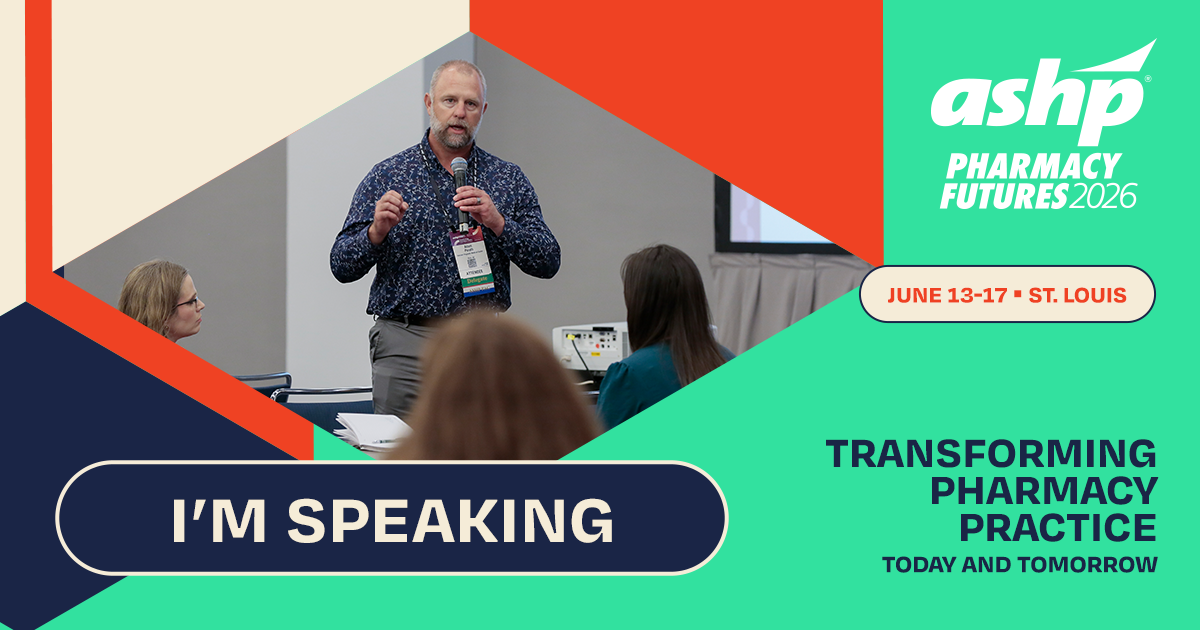
For Speakers
Caption to share on social media:
- This June 13-17, I’ll be at @ASHPOfficial’s Pharmacy Futures 2026 to be a knowledge expert and present my session on [insert session title/description]. Join me there! futures.ashp.org #ASHPFutures26
Download, save and share images on social media:
Facebook image | Instagram Portrait | X image
Customizable CANVA Templates (view Instructions):
Facebook image | Instagram Portrait | X image
Preceptor social images:
Facebook image | Instagram Portrait | X image
Customizable CANVA Templates (view Instructions):
For Poster/Session Presenters
Caption to share on social media:
- This June 13-17, I’ll be at @ASHPOfficial’s Pharmacy Futures 2026 to be a knowledge expert and present my session on [insert session title/description] . Join me there! futures.ashp.org #ASHPFutures26
Download, save and share images on social media:
Facebook image | Instagram Portrait | X image
Customizable CANVA Templates (view Instructions):

For Exhibitors
Caption to share on social media:
- Proud to represent [insert institution/company name] at #ASHPFutures26, happening June 13-17 in St. Louis! Learn more and join me there: futures.ashp.org #ASHPFutures26
Customizable CANVA Templates (view Instructions):
Facebook image | Instagram Portrait | X image

Customizable CANVA Templates Instructions
- Click on the Canva template link you want to use.
- Click on "View Template" purple button.
- Login or create a free Canva account.
- Select the frame you want to edit.
- Select UPLOADS in the left toolbar and click the UPLOAD FILES button to add your photo to the image library.
- Drag and drop your photo into the frame.
- To reposition, double-click your photo and adjust.
- To download your image, click SHARE and select DOWNLOAD.
ADVERTISEMENT